
DuckDB & CSV
A native desktop GUI for DuckDB. Open a .duckdb file or a plain CSV, browse it like any other database, and query it with SQL — no server, no import step, no Electron.
DuckDB files
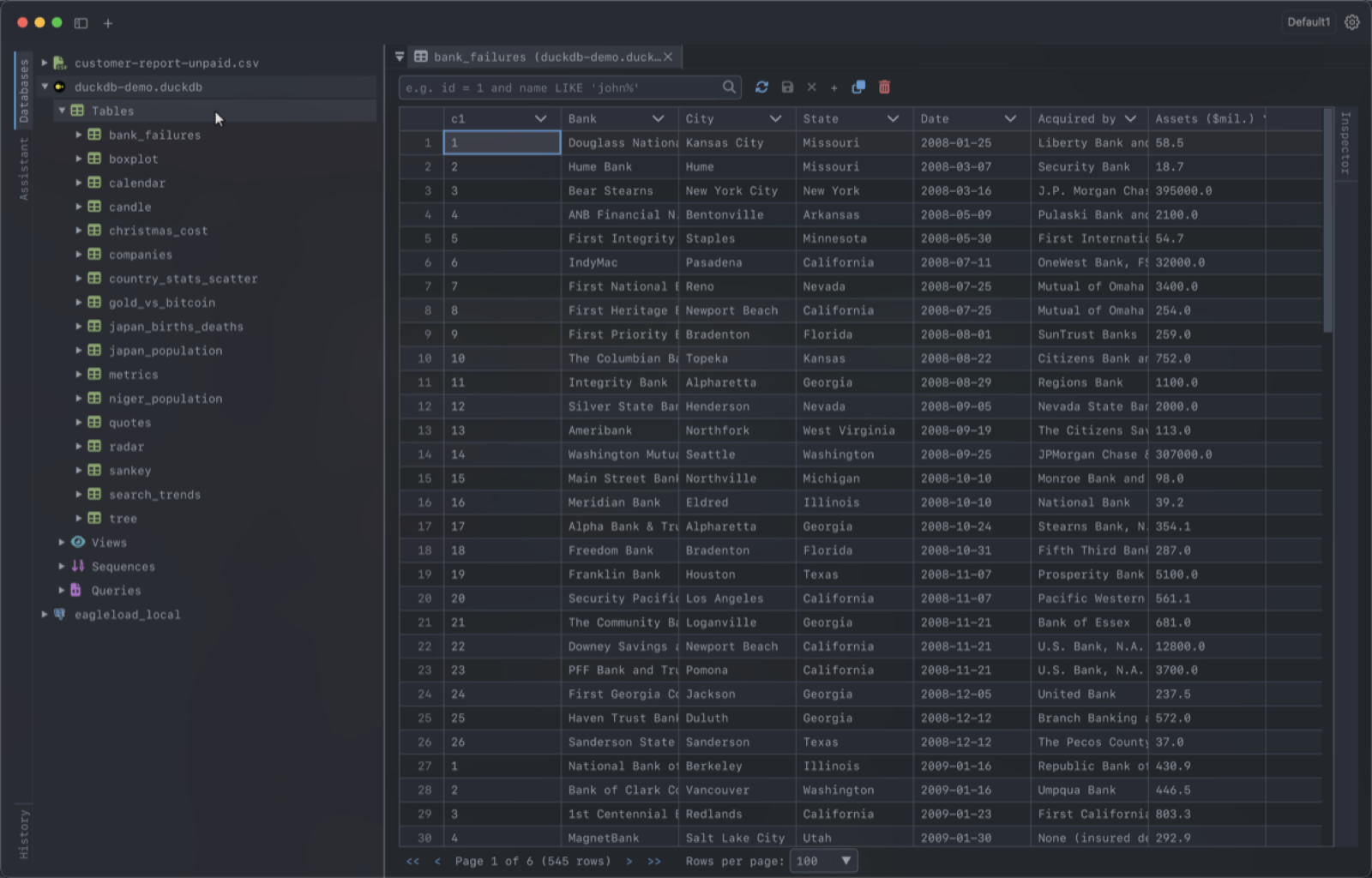
Add a DuckDB connection and pick the file with the file browser. Its tables and views show up in the sidebar; double-click one to open it in the table viewer, where you can sort, filter and edit rows inline. Changes are turned into SQL you can review before they are committed. Tick Read-only connectionto make sure nothing gets written to the file.
Query CSV files with SQL
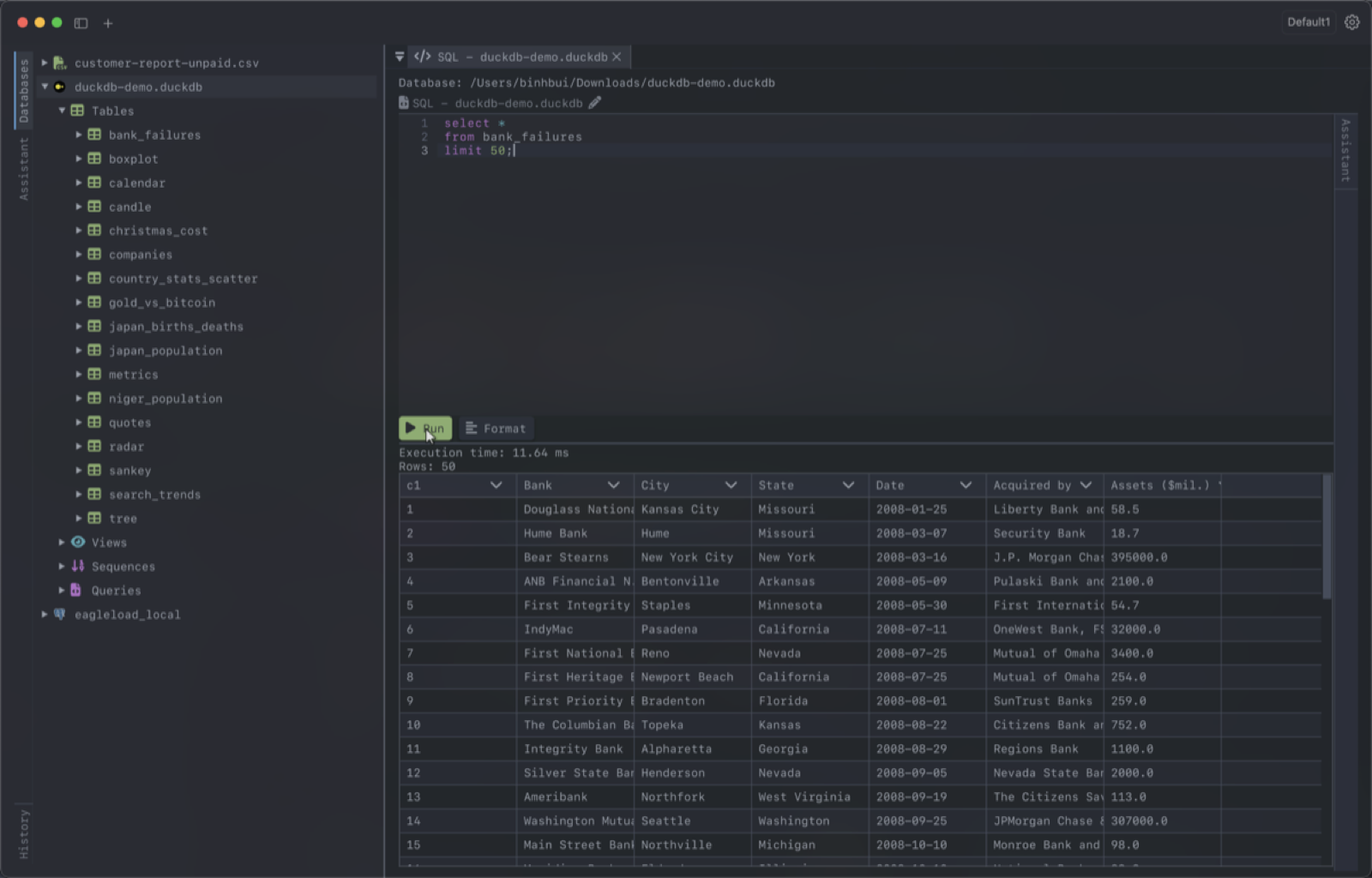
Right-click the sidebar and choose Open CSV File.... DearSQL loads the file through DuckDB, so it behaves like a table: browse it, sort it, filter it, and write SQL against it in the editor. You can also import a CSV into an existing table from the table's context menu, and export any table to CSV, JSON or SQL.
Highlights
- - SQL editor with syntax highlighting, autocomplete and multi-statement results.
- - Foreign keys are read from the file, so you can jump to referenced rows.
- - Ask an AI agent (Claude Code, Codex, Gemini CLI, Cursor) about your data; it can read the schema, run read-only queries, and make changes only after you approve them.
- - The same app also covers SQLite, PostgreSQL, MySQL, MongoDB, Redis and more.
- - Free tier included; Pro is $35 one-time.
FAQ
Is there a GUI for DuckDB?
Yes. DearSQL is a native desktop GUI for DuckDB on macOS, Linux and Windows. Open a .duckdb file to browse its tables and views, edit rows inline, and run SQL with autocomplete.
How do I query a CSV file with SQL?
In DearSQL, right-click the sidebar and choose Open CSV File. The file is loaded through DuckDB, so it behaves like a table: browse, sort and filter it, or write SQL against it in the editor. No import step or server is needed.
Is DearSQL's DuckDB support free?
Yes. DuckDB and CSV files work in the free tier, along with every other database DearSQL supports. Pro is a $35 one-time purchase for unlimited saved connections and workspaces.