Right-click a connection in the sidebar and choose Open Assistant to open a chat tab for it. The agent works against that connection by default (and opens it if it is closed), but it can still look at any other connection you have. Open as many chats as you like; each runs in its own tab and keeps going while you switch to other tabs.
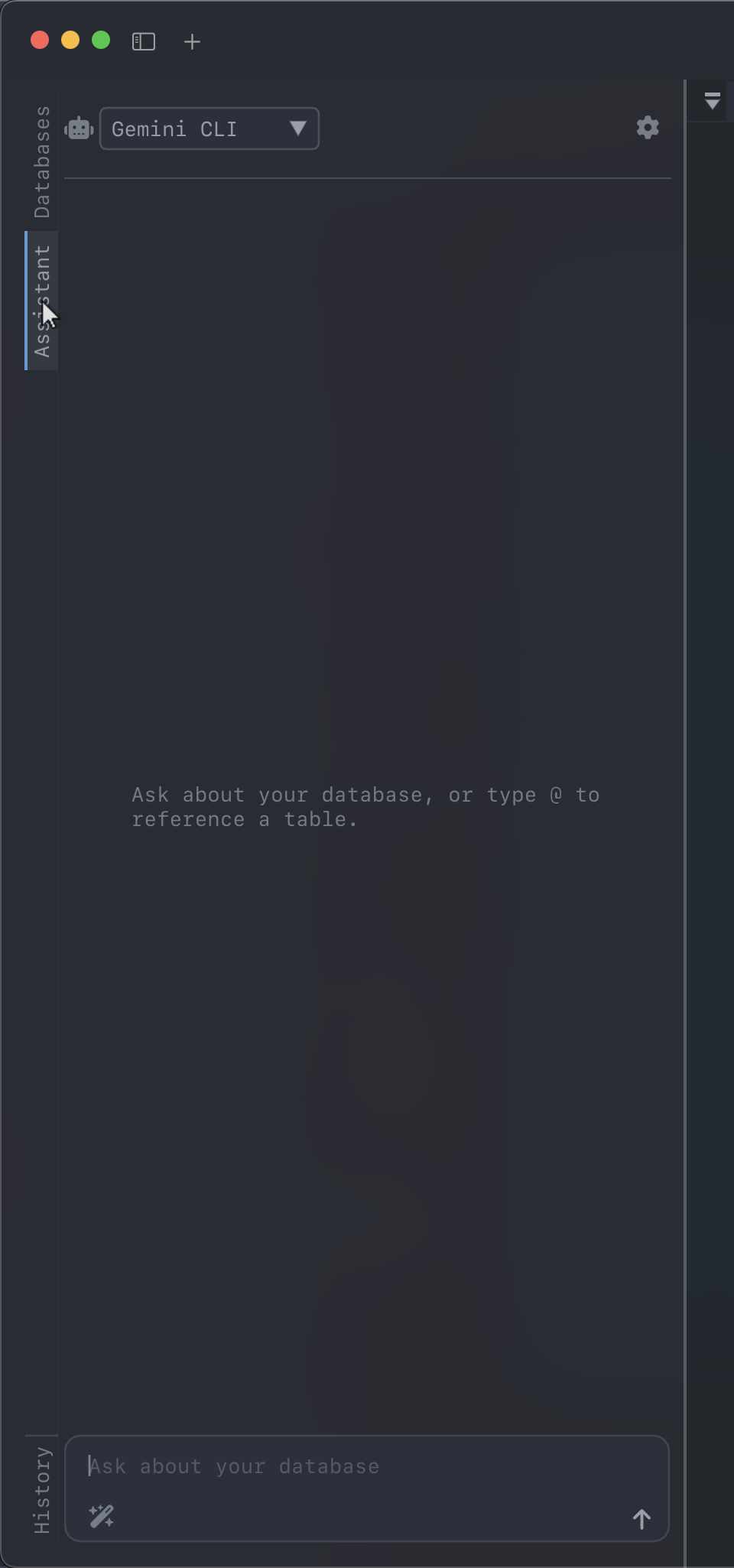
It can talk to two different kinds of backend:
- A coding agent — Claude Code, Gemini CLI, Codex, Cursor or Google Antigravity, over the Agent Client Protocol. These are real agents: they stream their thinking, call tools, and ask permission before acting.
- An API key — Anthropic, OpenAI or Gemini, straight over HTTPS. No install, no agent process, but no tools either.
Picking an agent
The dropdown at the top of the tab lists the agents, plus API key. Your choice is remembered between launches.
| Agent | What DearSQL launches |
|---|---|
| Claude Code | claude-agent-acp, or @agentclientprotocol/claude-agent-acp via a package runner |
| Gemini CLI | gemini --experimental-acp, or @google/gemini-cli |
| Codex | codex-acp, or @zed-industries/codex-acp |
| Cursor | cursor-agent acp, or the prebuilt binary from the ACP registry |
| Google Antigravity | The prebuilt binary from the ACP registry |
DearSQL looks for an agent in this order:
- A binary DearSQL downloaded for you (see below).
- The agent’s own binary on your
PATH. - The Bun runtime DearSQL downloaded for you (see below).
- A package runner —
npx, thenbunx,pnpm dlx,yarn dlx,uvx.
If none of those work, the panel says so and offers to install the agent with whichever package manager you have (npm, bun, pnpm or yarn), showing the exact command it will run.
Nothing installed?
DearSQL gets what the agent needs by itself. Both downloads land in ~/.dearsql/agents/ and change nothing else on your machine: no global install, no PATH edits. The message you were sending goes out as soon as the download finishes, and if it fails the panel shows why and offers a retry.
Cursor and Google Antigravity ship as prebuilt binaries. The first time you pick one that isn’t on your PATH, DearSQL looks it up in the official ACP registry and fetches the archive for your platform. No Node needed.
Claude Code, Gemini CLI and Codex are npm packages, so they need a JavaScript runtime. If you don’t have one, DearSQL fetches a pinned Bun release for your platform (about 25 MB), verifies its SHA-256 against the release checksums, and runs the agent through it from then on.
Signing in
DearSQL doesn’t handle agent credentials — each agent uses its own login. If an agent reports an authentication error, the panel shows a hint for that agent, for example running claude /login in a terminal, or setting ANTHROPIC_API_KEY.
For the API key backend, open the gear icon and paste an Anthropic, OpenAI or Gemini key. It’s stored with your other DearSQL settings.
Choosing a model
When an ACP agent publishes a model selector, DearSQL shows it beside the agent picker. Choose a model and DearSQL applies it to the current agent session. The available names and choices come from the agent itself, so different agents, and different versions of the same agent, can expose different options. If no second picker appears, that agent does not support model selection through ACP; use its own configuration instead.
What you see during a turn
An agent reports more than plain text, and the panel renders each kind:
- Assistant text, with markdown — headings, lists, and code blocks with a Copy button.
- Thinking, collapsed behind a “Thinking…” toggle.
- Tool calls, as a row with a spinner that resolves to a tick or a cross. Click one to expand its output.
- Plans, as a checklist that updates as the agent works.
- Permission prompts, inline, with the agent’s own options. Nothing happens until you choose.
The arrow button sends; while a turn is running it becomes a stop button that cancels it.
Where the agent runs
Agents carry their own file and shell tools that don’t go through DearSQL. To keep that contained, DearSQL runs the agent with its working directory set to ~/.dearsql/agent — a scratch directory, not your home folder and not your current project. That also stops the agent picking up unrelated project config it happens to find.
Notes
- Agents and API-key chat are supported on macOS, Linux and Windows.
- Starting an agent takes a few seconds. DearSQL launches it as soon as you open a chat, so it’s usually ready by the time you’ve typed, and shows “Starting agent…” until it is.
/newrestarts the session; the transcript and pinned context are cleared with/clear.
Chat history
Each connection has a Chat History node in the sidebar, under the connection, listing its recent chats newest first. Click one to reopen it in a tab (or jump to the tab if it is already open), or right-click it to delete it. In a chat, the clock button lists the same connection’s chats for the selected backend, and + starts a new one. With an API key the transcript is stored by DearSQL. With a coding agent the agent keeps its own history, and DearSQL asks it to reload the session — agents that can’t (or have since discarded it) start fresh and say so. Sessions older than 90 days are dropped.